
Edit what you see. Kullya finds where it lives.
Open your site as it is and click a heading, an image or a link. Kullya knows where that element comes from and saves the change in the right place.
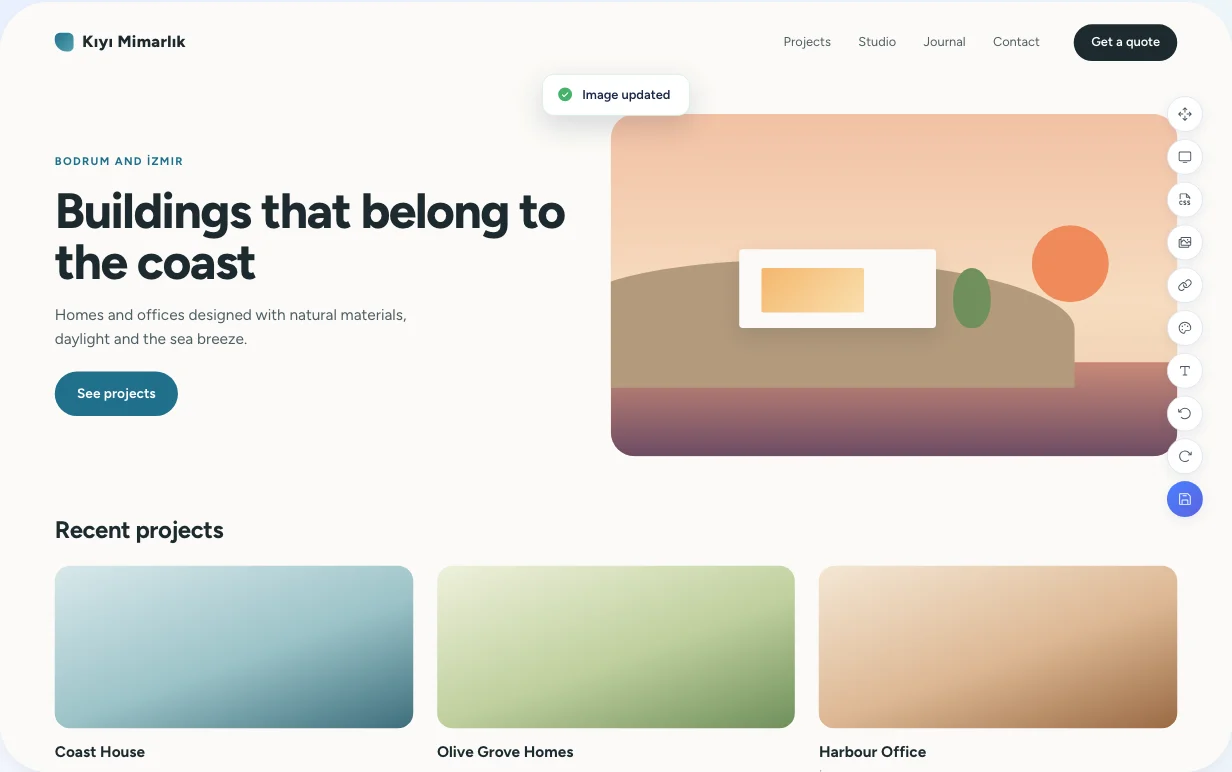
Lost time between what you see and where it's stored
A heading on a page might live in a template, a content record or a shared block. Finding out which means clicking through menu after menu, and editing the wrong one can quietly break other pages.
Every element knows its source
When Kullya renders a page, it tags each element with the object it came from: page, layout, view, HTML block, label or content record. The editor reads that tag, offers only the options that fit, and writes the change back to the source.
- Content from a list is updated in its content record, not on the page.
- Colors are listed with the stylesheet and selector they belong to.
- Edits apply to the language the page is open in.
From click to saved
Open the page in the editor
Launch the visual editor from your page list. The site loads on its own address, with its real content.
Select an element
The element you click gets a frame. Narrow or widen the selection until you have exactly the part you want.
Choose the right edit
The menu offers only what fits that element: text, image, link, style, content record or label.
See it on the page
The change shows up on the page right away. Step through with undo and redo.
Save
When you save, pending changes are written to their source objects together.
From the page to the source
Page-wide inventory
See every text, image, link and color on the page in one list, so you don't have to hunt for them on the page.
Element-level editing
Change the text, image, link and inline style of the element you picked; duplicate it or remove it.
Traced back to content
Pick an element that comes from a content list and the edit happens in that content record. Every page showing the record updates with it.
Real CSS rules
Color editing shows which stylesheet, media query and selector a color is defined in. The change is written to that rule.
AI suggestions for the selection
Describe what you want for the selected element. The AI prepares a suggestion, and once you accept it, it joins the same undo history.
You see it before you save
- Every change appears on the page before you save it.
- Undo and redo cover every step before saving.
- Saved changes go into the site log, and you can return to an earlier version.
- The editor opens your site on its own domain, so the site's scripts can't reach your admin panel.
Who it's for
- Businesses
- Change campaign copy or an image without knowing which file it lives in.
- Agencies
- Your client's team edits content right on the page while the template's structure stays intact.
- Content teams
- Edit the page as it looks live. Switch languages and you're editing that language's text on the same page.
- Developers
- Your team's visual edits are written to the real rules in your views and stylesheets, not to a separate copy.
- Operations teams
- For operations teams, the editor opens the site on its own domain so site scripts cannot reach the admin panel, and every saved change is written to the site log.
Open a page, pick an element
Try the visual editor on your own site.